How to Get Registered
Follow these simple steps to create your BeeGym account and start your fitness journey
1
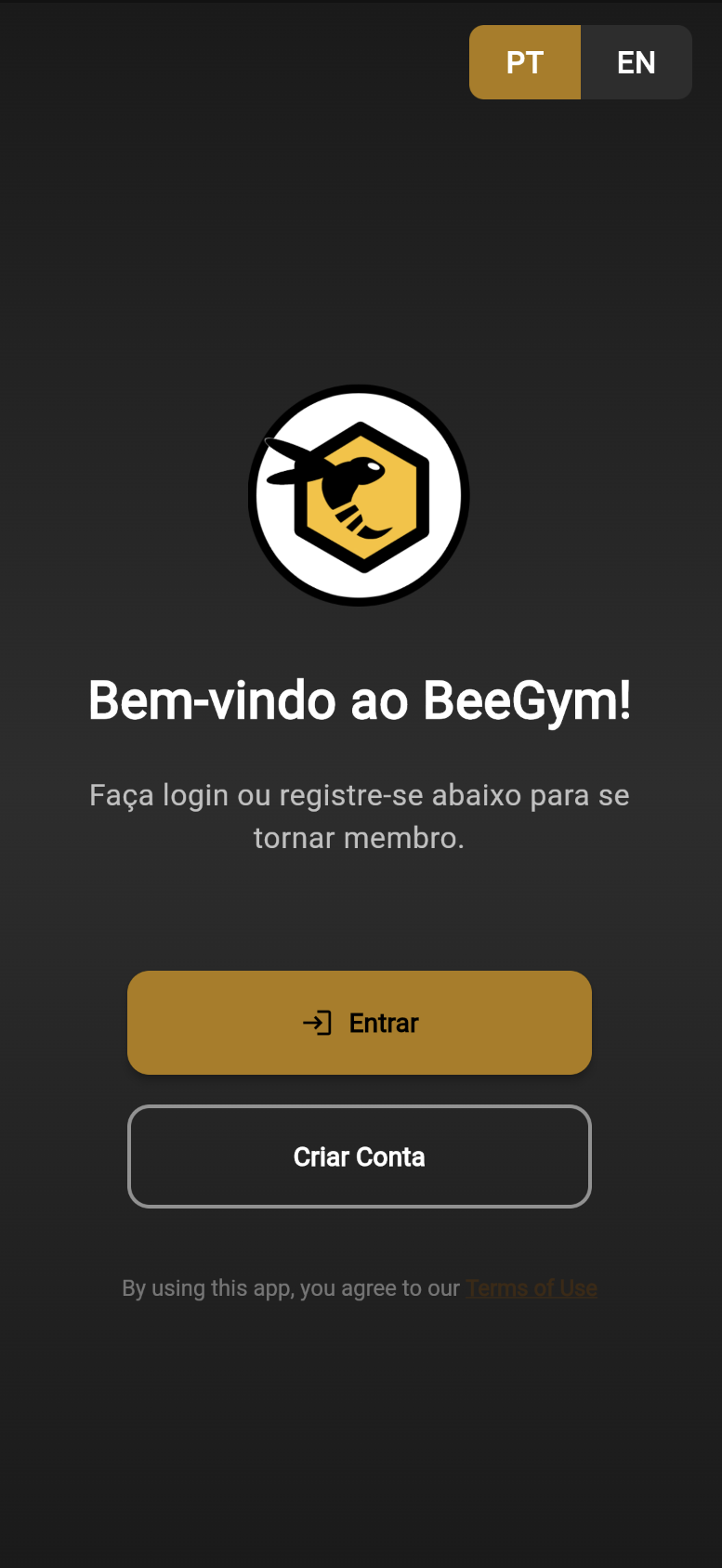
Screenshot: Sign up screen
Tap "Sign Up"
Create Your Account
Visit client.beegym.pt and tap the "Sign Up" button to begin your registration.
2
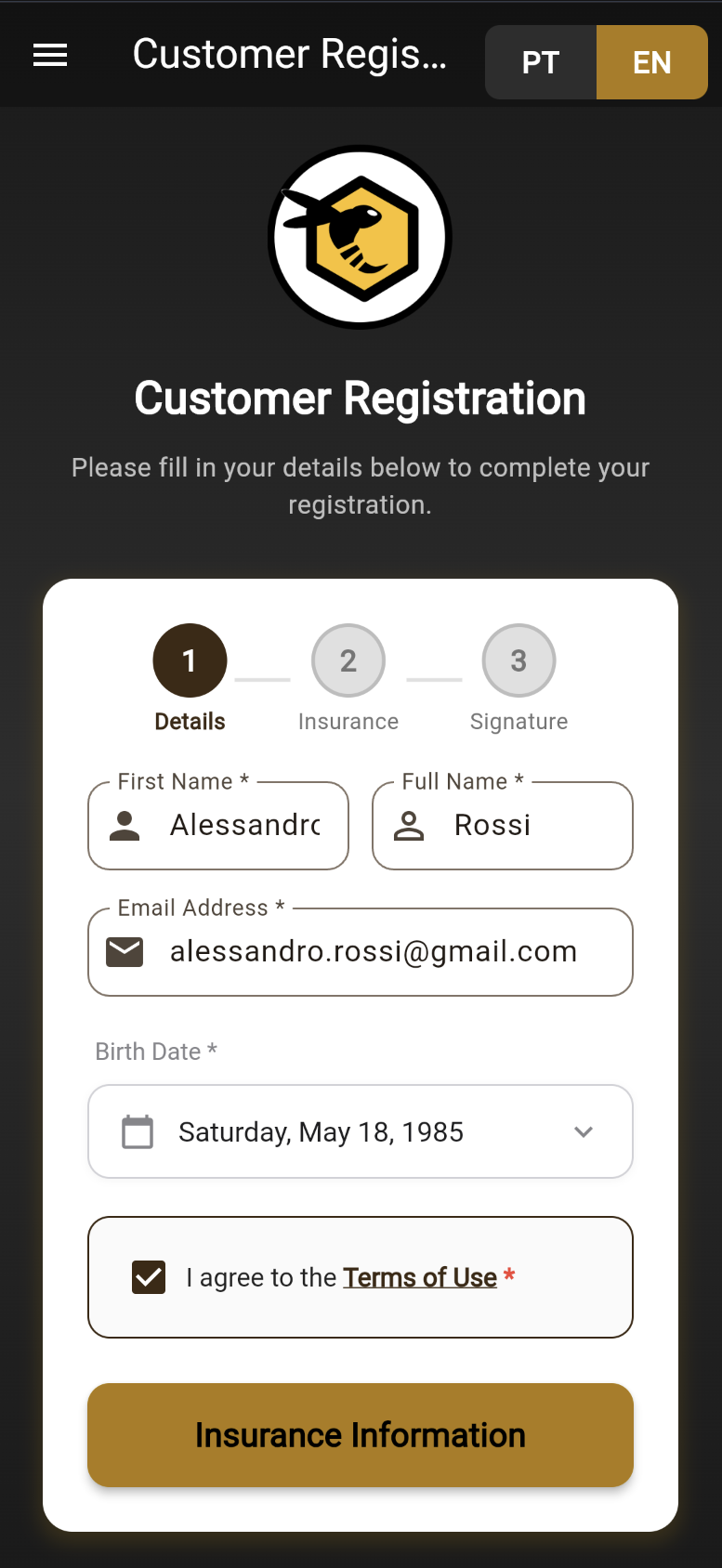
Screenshot: Fill in details
Enter your information
Fill in Your Details
Provide your email, name, phone number, and create a secure password for your account.
3
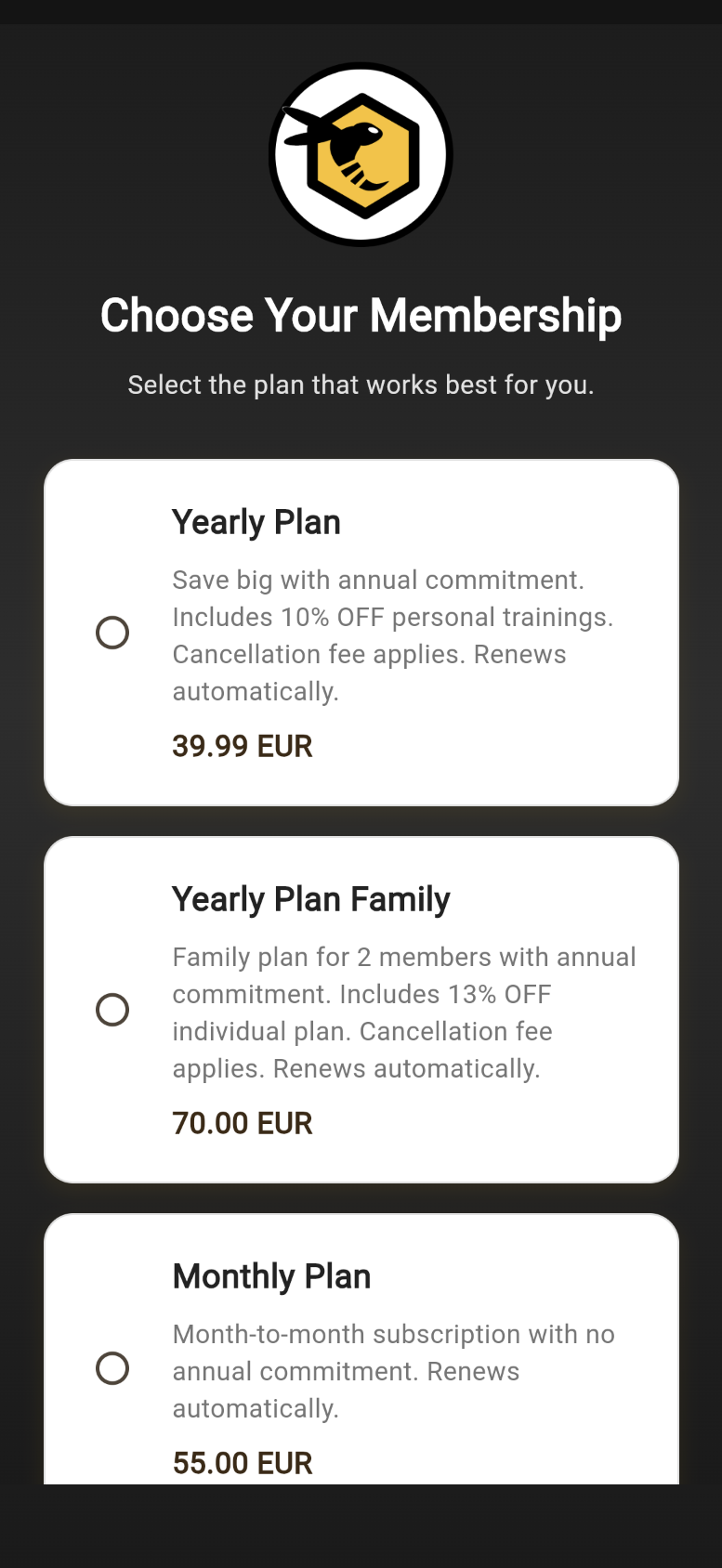
Screenshot: Choose plan
Select your plan
Choose Your Plan
Select the membership plan that best fits your fitness goals and complete the payment.